| Q: | I can't find the install program. |
| A: | Setup.exe can be found in the Setup folder on the CD. |
| |
| Q: | Where is my install code? |
| A: | The installation code is located after the number sign (#) on the first line of the Name and Address label that accompanied the CD. |
| |
| Q: | How do I decide whether to install some or all of the infobases to my hard drive? |
| A: | This depends on amount of hard drive space you have available. |
| |
| Q: | I already ran ADDFVUSR to set up the icons on my workstations but can only see one industry (e.g. CCH Business). |
| A: | Run ADDFVUSR again to update the workstations to see any new industry installations (e.g. CCH Tax). |
| |
| Q: | The network option is grayed out during installation. |
| A: | You cannot perform a network installation from a machine that already has a local (full, custom, or compact) install. Use the application's "administrative" PC to perform a network installation. |
| |
| Q: | I no longer get the icon prompt. How do I get it back? |
| A: | Insert the CD, go to the Support folder and run the file called IconPrompt.reg. You will receive the prompt when install is next run. |
| |
| Q: | The installation says I don't have rights to install. |
| A: | You require Power User privileges or higher to install CCH Library. Please contact your system administrator. |
| |
| Q: | I installed CCH Library but other users cannot run the application when they log on to my PC. |
| A: | All users must have "write" access to the NFO folder. Assign the appropriate rights to the NFO folder or re-install to a folder to which users have "write" access. |
| |
| Q: | The installer always defaults to a network install. I want to install to my local hard drive. |
| A: | You cannot install locally to a PC that runs the program from a network. Install CCH Library to the network and run ADDFVUSR to set up an icon for CCH Library on your Desktop. |
| |
| Q: | Do I need administrator privileges to install/use CCH Library? |
| A: | No. Users require Power User privileges to install the program and User privileges to run the program. |
| |
| Q: | What are the files in the Support folder on the CD? |
| A: | The support folder contains a readme file, an install guide, a manual, a tutorial, and patches for your convenience. It also contains graphic files required by the installer program. |
| |
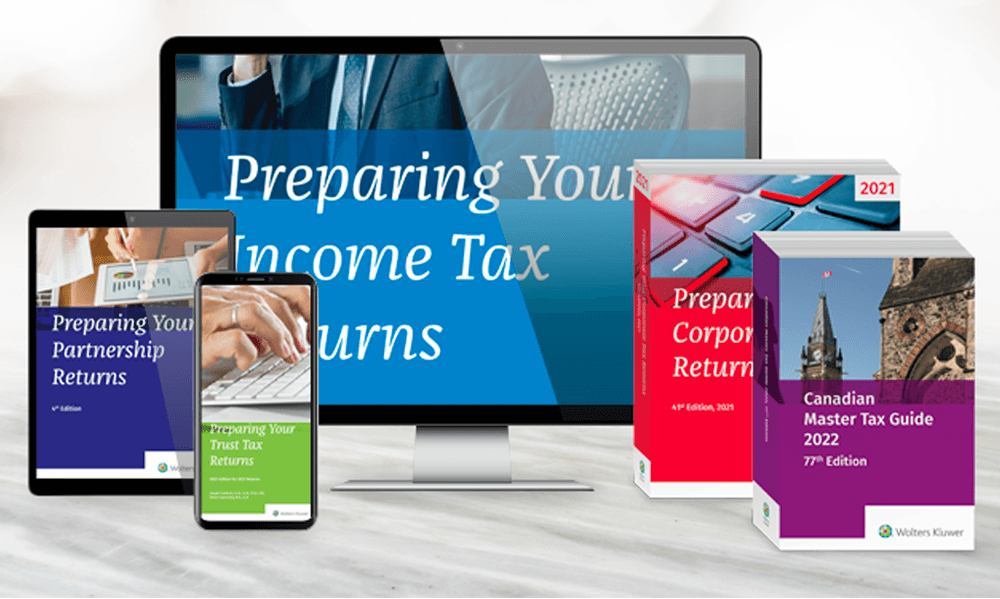
| Q: | I installed Product A infobases to a different folder from Product B's infobase(s) (e.g. CCH Tax's Federal Library and Preparing Your Income Tax Returns). The infobases (NFO files) are in different folders and the links do not work. |
| A: | All infobases must be in the same folder in order for the link to work. Un-install one of the products and re-install so that all infobases are in the same folder |
| |
| Q: | Where is my simple query? |
| A: | Simple Query is turned off by default. To turn it on see the topic called "To alter your Toolbelt" under the Toolbelt section in the manual. Simple Query will only return a maximum of 50 hits so we recommend using Advanced Query when searching infobases to maximize the results. |
| |
| Q: | Why are the install code fields grayed out and filled with dots? |
| A: | It means that this CD does not require and installation code. |
| |
| Q: | Why do I have to enter an install code at all? I didn't have one before? |
| A: | The install code is used by the installation program to give you access to the infobases to which you subscribe. |
| |
| Q: | I have CCH Tax installed, and installed new product from the CCH Legal CD but I don't see a shortcut for it on my Desktop. All I see is the previous Launcher's shortcut. Where is my shortcut? |
| A: | Other industry products are accessed by selecting the appropriate industry at the bottom of the CCH Launcher. |
| |
| Q: | I installed Preparing Your Income Tax Returns but I can't find my Launcher. Where is it? |
| A: | Preparing Your Income Tax Returns adds a shortcut icon to your Desktop. |